
NFC cards
NFC business cards that never need reprinting
A tap opens your current profile, not the job title you had when the cards were printed. Change anything in CloudCard and the card in your wallet is already up to date.
Trusted by teams across the globe









Three materials.
All three do exactly the same thing on a tap. The difference is what it feels like to hand over.
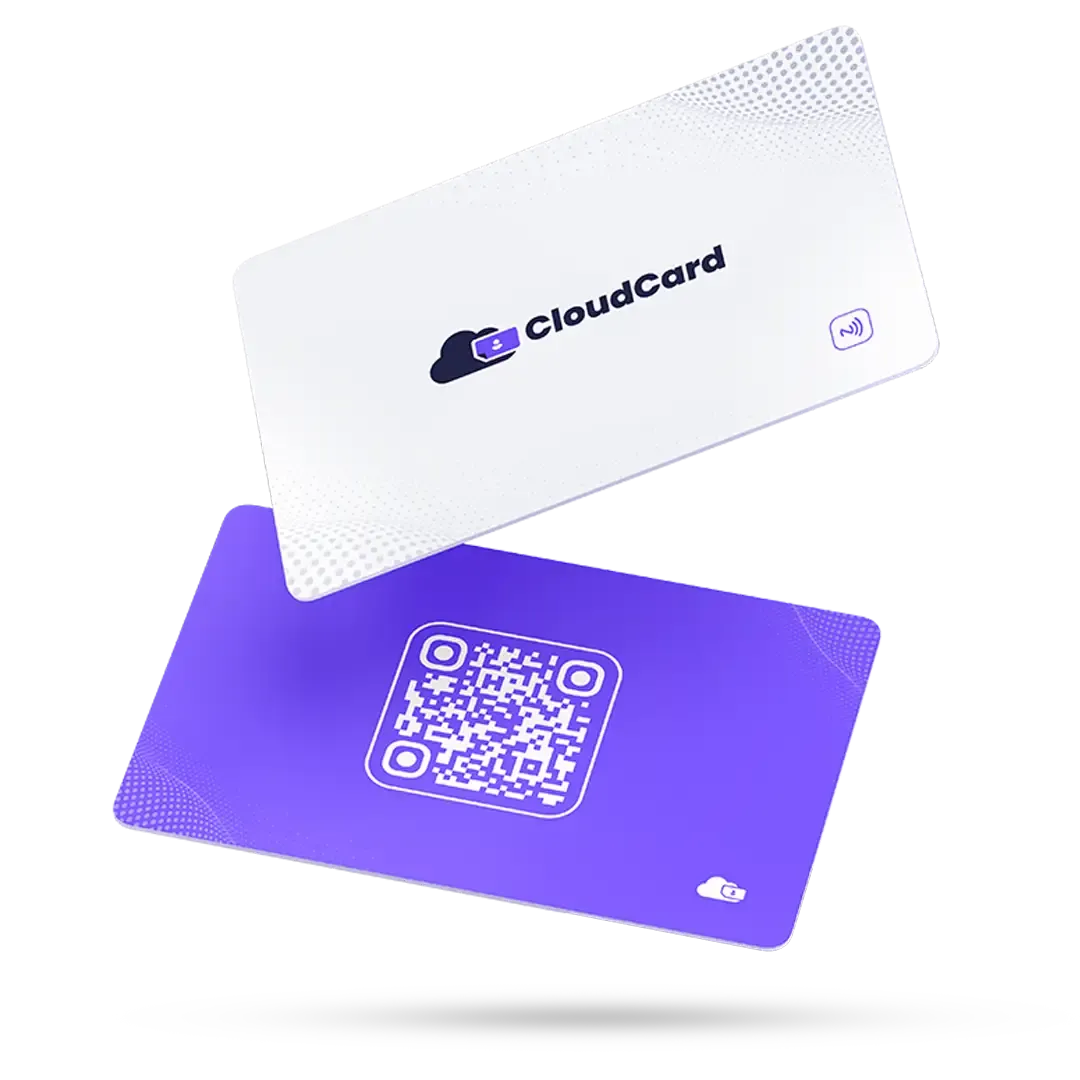
PVC
The everyday card. Full-colour print, durable, the one you hand out without thinking.
R399once-off, per cardOrder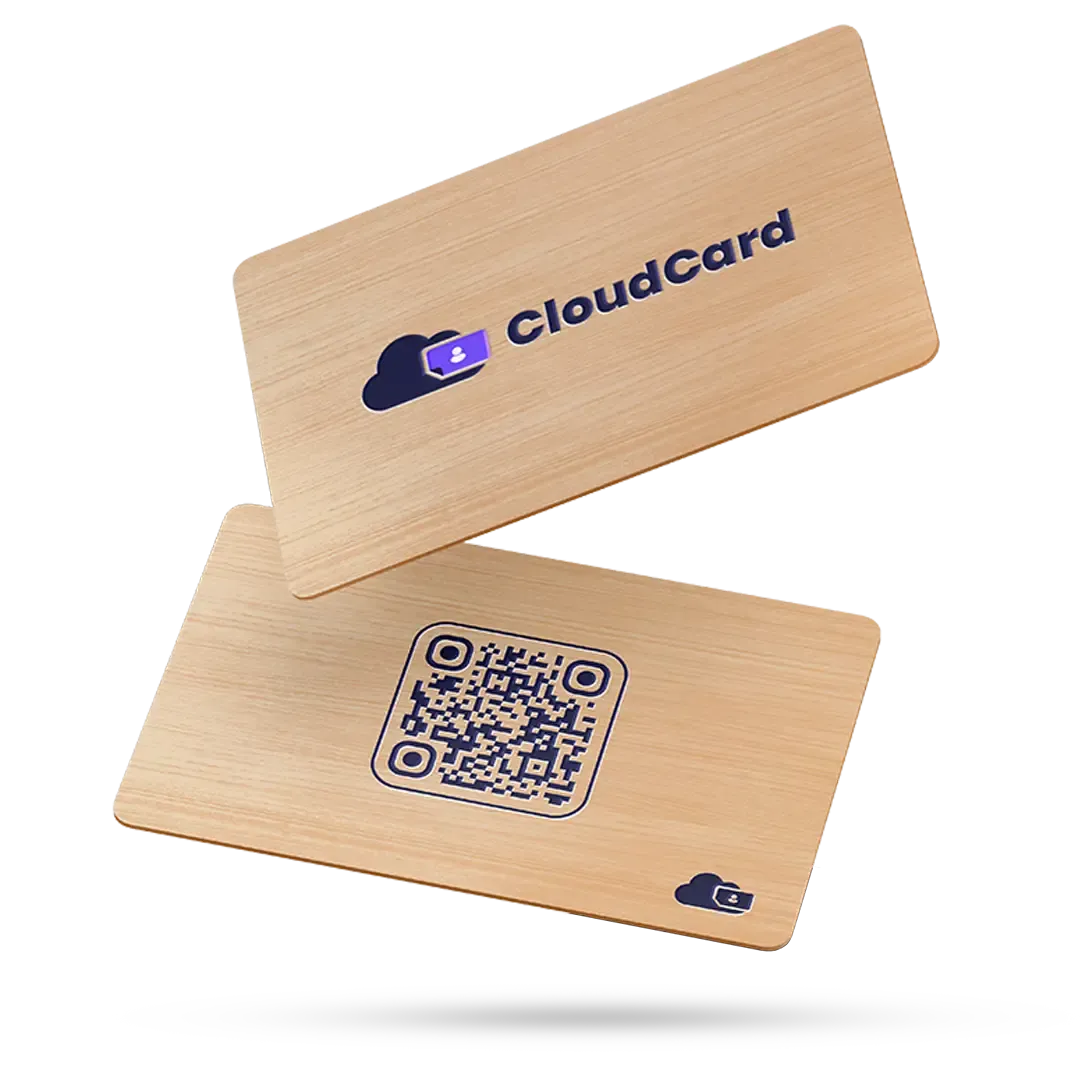
Bamboo
Engraved bamboo. Lighter than metal, warmer in the hand, and the one people comment on.
R599once-off, per cardOrder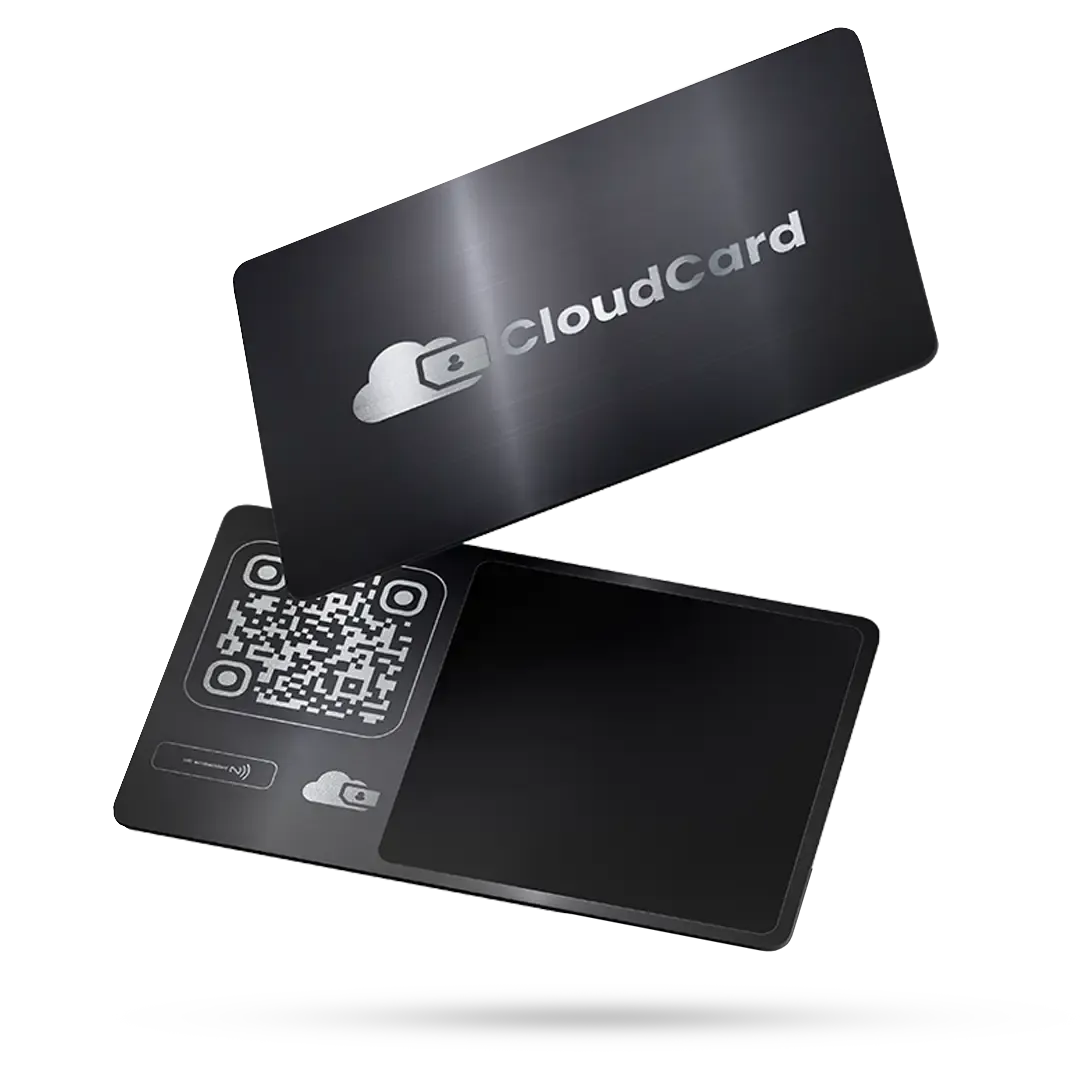
Metal
Brushed metal with a laser-etched mark. Weighty. The card that ends up on a desk, not in a bin.
R1,099once-off, per cardOrder
Prices are per card, once-off, excluding VAT. To order, tell us the material, how many cards and the names to go on them: emailinfo@cloudcard.digitalor call+27 (0) 87 822 1153. We'll confirm your order by email before anything is printed.
A paper card against a CloudCard NFC card
It is still a card you hand over. The difference is what happens after the handshake.
A paper card
- Reprint the whole batch when a title or number changes
- A stack of out-of-date cards in a drawer
- Your details retyped into someone’s phone, or never saved
A CloudCard NFC card
- A tap opens your live profile, so nothing goes out of date
- One button saves your details to their contacts
- Nothing for the other person to install
A tap opens your live profile
An NFC card holds a link to your CloudCard profile. When someone taps it against their phone, your profile opens with a Save Contact button, exactly like your digital card.
Because the card only points to your profile, it never goes out of date. Change your title in the app and the card in your wallet already shows it.
- Hold the card to the back of a phone and your profile opens in its browser
- Nothing for the person receiving it to install
- Change your details in CloudCard and the same card shows the update
- Your digital card still works by QR code and link


Change the details, keep the card
A promotion, a new number, a new website. Update your profile and every NFC card you have handed out opens the latest version, whether it was printed last week or last year.
- Edit a title or number once in CloudCard
- The next tap shows the update
- No reprint and no reorder
Why add a physical card
Something to hand over
Some introductions still feel better with a card in the hand.
Never reprinted
The card points to your live profile, so a change of title never means a new batch.
Branded to your company
Your logo and colours, on PVC, bamboo or metal.
How a team order works
- 1
Send us your branding
Logo, colours, and the names that go on the cards.
- 2
We proof the design
You approve artwork before anything is printed or etched.
- 3
Cards arrive in 3–5 working days
Each one already linked to its owner’s CloudCard profile.
- 4
Details change, cards don’t
Update a title in the app; the card keeps working.
Customer stories
What customers say about their NFC cards
“I got my CloudCard from ITWORX Botswana, and it’s been a game-changer for networking! The sleek metallic NFC card wows clients with a quick tap, while the durable PVC card is my trusty backup. Perfect mix of high-tech convenience and professional style. Highly recommend for anyone looking to elevate their digital presence! Their support has been exemplary too.”
“The team at CloudCard were really helpful from the onset. Super responsive to our emails, walked us through an engaging demo, and answered all our questions. We ordered physical business cards too, with the tap functionality, and they work amazingly. We love how easy it is to track our leads, and manage all our info in one place.”
“The easy-to-use platform and comprehensive dashboard are noteworthy, providing powerful tools to gain real-time insights into employee activity. This visibility allows us to identify active employees who are actively seeking business opportunities, thereby boosting our efficiency and productivity. Additionally, the high quality of the printed cards reflects the premium nature of the service.”
NFC card questions
Do I need an NFC card to use CloudCard?
No. Your digital card works on its own, shared by QR code, link or wallet pass. An NFC card is optional.
Does the person receiving it need an app?
No. They hold the card to the back of their phone and your profile opens in the browser, with a Save Contact button.
Can I change my details after the card is printed?
Yes. The card only points to your CloudCard profile, so anything you change in the app is already up to date the next time someone taps.
What if their phone does not support NFC?
You can always share your card another way. Your CloudCard also works as a link and a QR code.
How long does delivery take?
Delivery takes 3–5 working days. We proof the design with you and confirm your order by email before anything is printed.
Can I order for my whole team?
Yes. Send us your branding and the names that go on the cards, and we will proof the design with you before anything is printed.
You don't need a card to start.
The digital card works on its own: QR, link, WhatsApp, wallet. Add the physical one when you want something to hand over.